DAMNED Tools Hub
Checklists and practical helpers that sharpen runs without injecting ban-risk software.
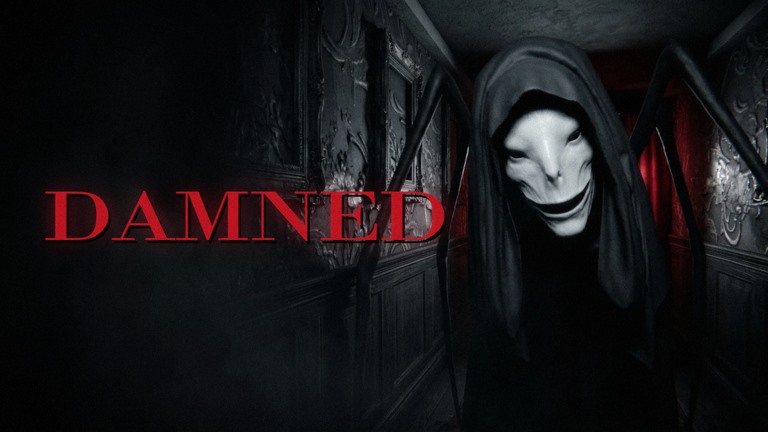
The Tools Hub collects practical, legitimate helpers for DAMNED [HORROR] on Roblox—the Ashlight Studio survival escape BETA where you wake between life and death, learn one rule per creature, keep your mic under control because monsters can hear voice chat, gather four keys, and walk into the light if you are judged worthy. These tools are process sheets, not executors. If you want injected GUIs, read the warnings on Scripts first and then come back to the honest path.
Featured tool
Survival Checklist
A pre-run and in-run checklist covering mute state, one-rule literacy, key progress, light/exit readiness, and co-op roles for lobbies up to seven players. Use it before Story teaching nights, Rush practice, and especially Nightmare badge attempts.
What belongs on a DAMNED tools page
Good tools here are:
- Repeatable — useful every seed, not a one-patch exploit
- Shareable — readable aloud in lobby without breaking immersion later
- Mode-aware — Story vs Rush vs Nightmare notes when pressure changes (Modes Difficulty)
- Account-safe — no malware installers, no remote loadstrings, no “free executor” funnels
Bad “tools” we will not host:
- Key ESP overlays
- Auto-escape bots
- No-clip loaders
- Fake code redeemers that ask for password or cookie dumps
Promo strings, when they exist, stay on Codes with redemption steps on How to Redeem.
How to use this hub in a session
- Open the Survival Checklist on a second monitor or phone.
- Brief monsters with Monsters Tier List and Monster Rules.
- Confirm mode choice via Story vs Rush Modes or Nightmare Mode.
- Assign roles using Co-op Survival.
- Remind voice discipline with Voice Chat Tips.
- Track objectives with Four Keys Walkthrough.
- Only after lobby prep, queue. Mid-labyrinth is for execution, not spreadsheet debates.
New to the experience? Start at Getting Started, then return here with the checklist open.
Tooling versus cosmetics and badges
Joining the official group for the Supporter lantern and title is a legitimate comfort tool—better edge light reading is still not a substitute for mute discipline. Badge hunting (Welcome, Judged Worthy, Legendary Treasure / gilded chest, Nightmare Survivor) pairs with tools differently:
- Welcome / Worthy — checklist + Story reps (Badges)
- Legendary Treasure — optional route risk on Gilded Chest
- Nightmare Survivor — checklist on hard mode + extreme mute culture
Building your own callout sheet
Until more interactive widgets ship on this wiki, copy the checklist sections into a notes app and customize:
- Your lobby’s silent signals
- Who carries keys 1–4
- Abort conditions
- Which A/S threats you respect first (Tier List Hub)
Keep the note short enough to read in sixty seconds. Long novels get ignored when the house freezes and the labyrinth opens.
Stay aligned with patches
Ashlight is in BETA. When controls, modes, or creature rules shift, update your personal sheet the same day you skim Updates. Tools that disagree with live patches become liabilities.
Related hubs
- Guides — deep teach pieces
- Tier List — threat and mode rankings
- Codes — promo tracking
- Scripts — why we steer you away from injectors
- Wiki — full map
Open the survival checklist, mute your mic, and treat preparation as part of the run—not optional flavor text before judgment.
Frequently Asked Questions
Quick answers for survivors still trapped between life and death.
Are these tools the same as scripts?
No. This hub is checklists and process helpers. Injected executors are covered—and discouraged—on Scripts.
What tool should I open first?
The Survival Checklist before every serious Story, Rush, or Nightmare attempt.
Can I use these tools on mobile?
Yes—keep the checklist on a second device so the Roblox client stays focused on audio and movement.
Do tools replace learning monster rules?
They reinforce them. You still need Monster Rules and mute habits from Voice Chat Tips.
Will you add interactive trackers later?
Possibly as the BETA stabilizes. For now, copy the checklist into your own notes and watch Updates.